DataQs Case Preparation and Tracking
Keep the inspection and evidence together. Send the report and your question to one of our 400+ independent DOT specialists. Pro adds Atlas, file scanning and DOT inspection PDF exports.
Find the inspection you need help with.
Basic $19/month or Pro $49/month.
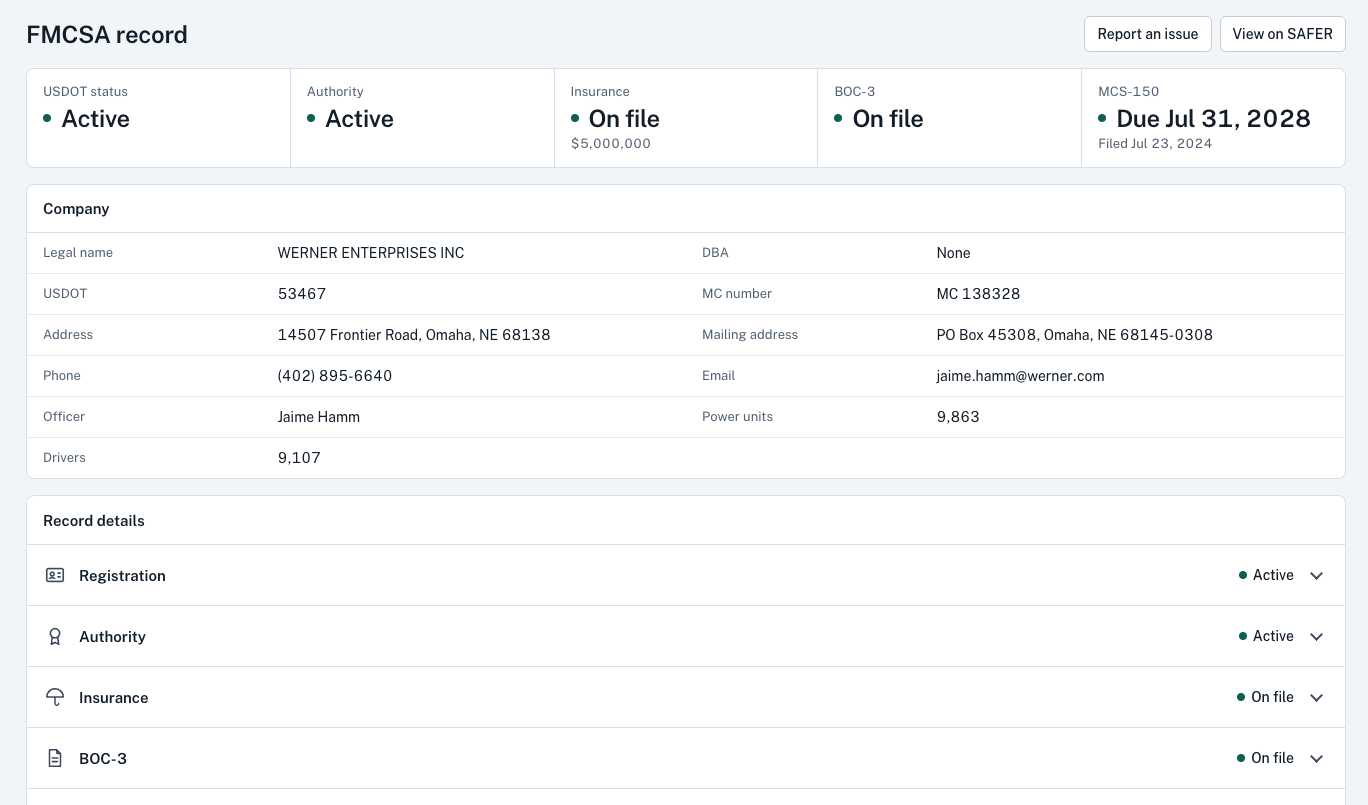
You do not have to retype the inspection report.
Open the inspection and choose the violation you want reviewed. We include the USDOT number, inspection date, report number and violation details with your request.
Explain what you think is wrong. For example, the report might list the wrong truck, repeat the same entry or show an incorrect USDOT number.
Add the documents that explain your case.
Upload the complete inspection report, relevant photographs, records from the time of inspection and any court documents that address the finding. With Pro, Atlas can read a scanned report to help with the preparation.
Save your explanation, documents and messages with the inspection. Repair invoices show what you fixed afterward. To challenge the original violation, include evidence that explains why you believe it was recorded incorrectly.
Get help from a DOT specialist.
Not sure whether you have grounds to challenge a violation? Ask one of our 400+ independent DOT specialists. Send your explanation and the inspection report to a specialist in your state. They will quote for any paid work before starting.
Accept the quote only if you want to go ahead. Your account keeps the specialist’s updates and your messages with the inspection report, so you can check progress whenever you need to.
Prepare the case, then file through DataQs.
FMCSA DataQs is the official system for a Request for Data Review. Registration and submission are free. The reviewing agency considers the explanation and supporting evidence.
Preparing a case in Trucker Digital does not submit it automatically. Add the official request reference after filing. If a specialist is helping, confirm who will submit the request. The agency decides whether the record changes.
Keep the decision with the original finding.
Save the response, any further evidence requested and the final decision. A colleague can read the case history without searching through separate emails.
After a correction is confirmed, check the official record when its system updates. The case history then shows the original finding, what you challenged and the result.
Use Atlas to help prepare the paperwork.
Pro adds Atlas, document scanning and inspection PDF exports to your case preparation. Add the evidence, review the extracted details and export a full DOT PDF for the inspection when you need to share it.
Official sources
Reviewed November 21, 2026.
Questions and answers
Is it free to ask for specialist help?
Yes. You receive a quote before any paid work starts.
Does DataQs also handle a traffic ticket?
An inspection-data review and a citation or court process are separate. A court outcome may provide evidence for DataQs, but a DataQs request does not replace the citation process.
Can a specialist guarantee removal?
The agency decides the request based on the record and evidence. The specialist’s quote should explain the work they will carry out.
Related guides and tools

DOT Violation Codes Explained
Read DOT violation codes, understand the officer’s description and check which truck or driver is involved. Learn what severity weights and OOS marks mean.
Read more
DOT Out-of-Service Violations
Find out what an out-of-service order means for your driver or truck, what must be fixed and which inspection and repair records you need to keep.
Read more
Basic and Pro Plans
Compare Basic at $19/month and Pro at $49/month. See which plan includes inspection alerts, Atlas, driver files, document storage and specialist help.
Read moreSee your inspection alerts.
Basic $19/month or Pro $49/month. Cancel anytime.